Thanksgiving Stream Ideas for Twitch

Thanksgiving is Thursday, November 26. Here are stream ideas for the week, the day itself and Black Friday weekend.
Thanksgiving falls on Thursday, November 26 this year, so you have about ten days to plan. If you’re looking for Thanksgiving stream ideas for Twitch, start with the one that fits the holiday best: a thank-you stream for the people who show up all year. Here’s how to plan it, plus ideas for the week before, the day itself and Black Friday weekend.
Start with a thank-you stream
Thanksgiving is about saying thanks, and your viewers are the reason you have a channel. A thank-you stream puts them at the center for one night. It doesn’t have to be big. It has to be sincere, with a little planning behind it.
- Shout out your regulars by name. The Leaderboard and Insights in your dashboard show who’s been supporting your channel most. Don’t stop there. Thank the people who chat every stream, the lurker who finally said hi, and your mods.
- Run a gratitude segment. Ask chat to share one thing they’re thankful for this year, and read your favorites out loud. Go first with your own, so chat knows it’s safe to be a little sappy.
- Say thanks automatically. Chat Alerts post a message in your chat whenever someone sends a sticker, and you can edit the wording with tags like #user and #sticker. Try “Thanks #user for the #sticker!” for the whole week. The Alerts guide shows where.
Add Thanksgiving stickers for your viewers to send
Your viewers are the ones who send stickers, so give them something seasonal to send. With custom stickers, you upload your own artwork and sound. Every streamer gets 40 free custom sticker slots, and each sticker has its own animation and sound. No sound effect? Record one right in your browser.
A few ideas to start with:
- A turkey, a pie or a gravy boat in your own style.
- Your pet or your mascot in a tiny chef’s hat.
- The inside joke chat has been repeating all year.
- A sticker made from a photo of your actual Thanksgiving table, burnt rolls and all.
Whatever the Global Stickers have for the season, a custom sticker is yours alone. The catalog is still worth a browse: it has hundreds of stickers, new ones every Monday, and a category filter to find the right mood. The Stickers guide covers both.
Short on time this week? With Moderator Access, a trusted mod can upload stickers for you. Their uploads wait in your inbox until you approve them, or go live straight away if you choose.
Cook, bake and eat on stream
Food is the most Thanksgiving thing there is, and Twitch has a home for it: the Food & Drink category, where chefs, bakers and bartenders cook live with their viewers. You don’t have to be a chef. A pie that goes a little wrong is often better to watch than one that goes perfectly.
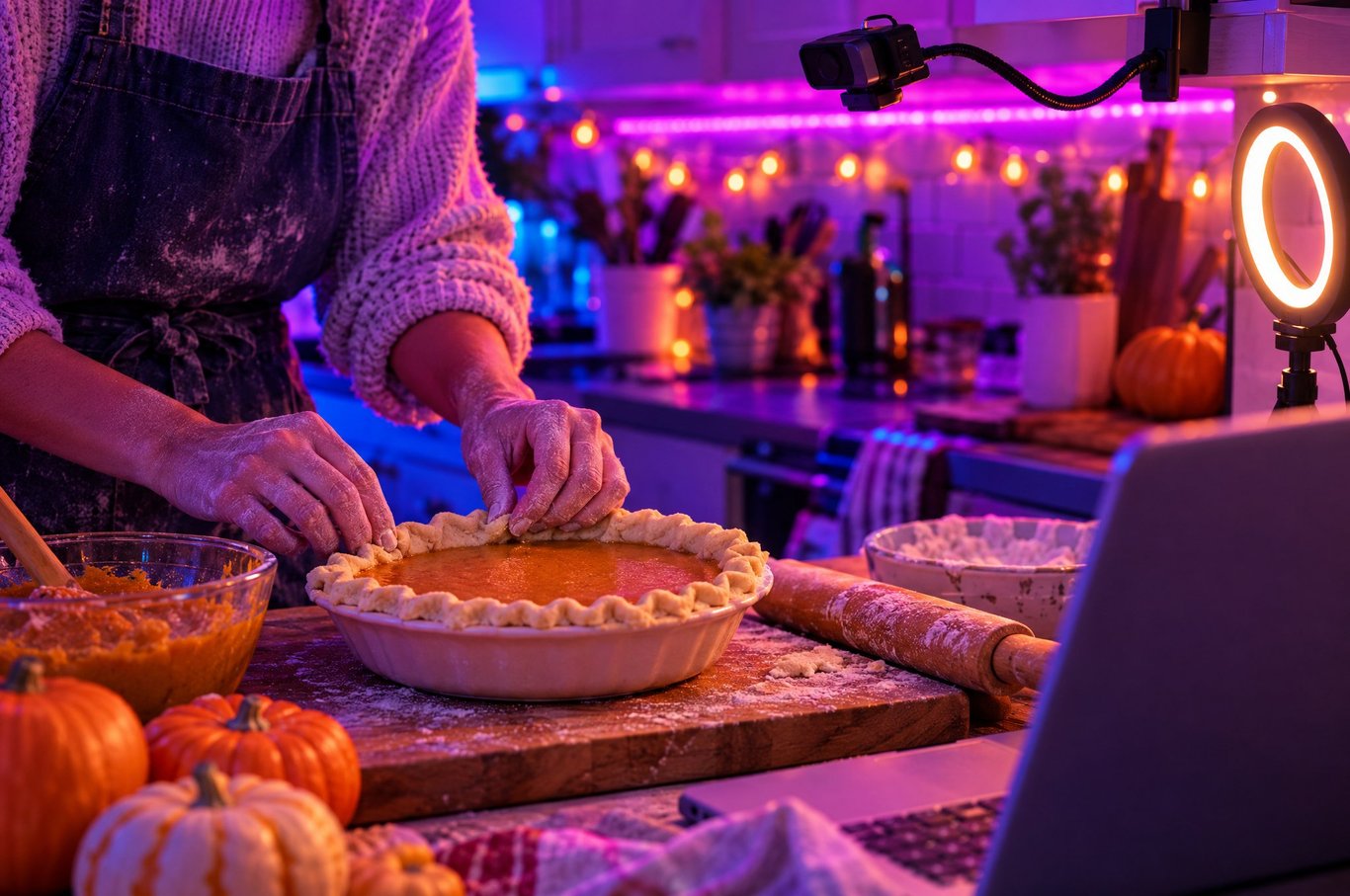
Twitch’s Creator Camp has tips for cooking streams that work for a holiday bake too:
- Show two angles if you can. One on you or the whole space, and one close up on your hands and the prep.
- Light your counter and watch your sound. Use a mic that can pick up your voice over the chopping and sizzling.
- Share the recipe. Post it in chat or add a command, so people who join late can follow along.
- Plan around the waiting. While the crust chills, answer chat or make a side dish.
Some formats to try: a pie cook-along where chat bakes the same recipe at home, a poll where chat picks the filling or the toppings, a store-bought versus homemade taste test, or a leftover sandwich showdown for the day after. Not a cook? Eat on stream and take chat on a tour of your family’s weirdest holiday dishes.
Host a games night with your viewers
Thanksgiving week is a great time for a low-stakes hangout. Pick a game chat can join, so the stream feels like a table with extra chairs:
- Party games with an audience. Some party games let viewers join from their phones with a room code. The Jackbox series works this way, so check the game’s audience options before you go live.
- A viewer lobby. Pick a co-op or party game and rotate who gets a seat.
- Chat picks the next round. Let a poll choose the game, the map or the rules.
Keep it easy to join halfway through, and keep it friendly, since some of your viewers will be watching with family in the room.
Then give chat a way to be part of the chaos. Throwables let viewers choose to spend Bits to aim and hurl objects at your stream in real time. You can make your own from up to six of your own images, like mini pumpkins or dinner rolls, and add a throw sound. Turn on Enable Fill and thrown items pile up along the bottom of your screen instead of falling off the edge. The Throwables guide has the steps.
A Sticker Party can be the night’s big finish. The Party Meter fills as viewers spend Bits on stickers, and when it hits your goal, every sticker is free for 85 seconds with music and effects. You never start one yourself. Your viewers do it together, so tell chat what the goal is and let them go for it. The party music is custom-made and DMCA-safe.
Give back with a charity stream
Thanksgiving is also a natural moment to give back, and GivingTuesday follows close behind, on Tuesday, December 1 this year. Twitch has a built-in charity tool for this. In the Charity section of your Creator Dashboard, you choose a charity, set a fundraising goal and turn on charity mode, and a Donate to Charity button appears for your viewers. Donations go through PayPal Giving Fund to the charity you picked, not through you.
When Twitch launched the tool in 2022, it was open to Partners and Affiliates, so check your dashboard to see what you can use today. A few simple habits make any charity stream better:
- Pick a cause you actually care about, and tell chat why.
- Say the goal and the end time out loud, and show chat how it’s going.
- Thank donors by name.
- Use the built-in tool rather than collecting money yourself, so donations go straight to the charity.
Twitch has also run a Together for Good charity campaign in recent years, between late November and mid-December. If Twitch announces one for this year, you can line your stream up with it.
Thanksgiving stream ideas, day by day
The week before (Monday, November 23 to Wednesday, November 25)
- Post your holiday schedule now. People are traveling and cooking. They’d rather know you’re taking Thursday off than guess.
- Upload and test your Thanksgiving stickers. In your dashboard, Settings → SETUP lets you send a test sticker to your stream.
- Line up your mods for the thank-you stream, and tell them the plan.
- Wednesday night: host a “what are you cooking tomorrow?” hangout. Everyone has a question, and half your chat is nervous about the turkey.
Thanksgiving Day (Thursday, November 26)
- Many of your viewers are busy with family, and so are you. It’s fine to take the day off, or to go short.
- If you stream, try a short morning cook-with-me, or a quiet late-evening hangout once the house goes still.
- Not everyone celebrates Thanksgiving, and not everyone has a table to go to. Viewers are all over the world, and some spend the day alone. A warm, low-pressure stream can be the best part of their day.
Black Friday weekend (Friday, November 27 to Sunday, November 29)
- Plenty of people have Friday off, so it’s a good day for your games night or a long thank-you stream.
- Leftover sandwich showdown, anyone? It’s an easy, funny cook-along that needs no planning.
- Keep your own energy in mind. Holiday weeks are tiring, so give yourself a lighter Sunday. Our post on why streamers burn out has more on pacing yourself.
Your Thanksgiving checklist
- Holiday schedule posted, with your day off or short day clear.
- One thank-you idea chosen: shout-outs, a gratitude segment or both.
- A few Thanksgiving stickers uploaded and tested, ready for chat to send.
- Mods told what you’re planning.
- A games night, a cook-along or a charity stream picked for the weekend.
You don’t need a huge production to make a holiday stream feel special. You need to show up, say thanks and give chat something to do together.
Anyone can install Stream Stickers and use Global Stickers and custom stickers for free. Charging Bits, A.I. TTS, Reward Stickers, Super Stickers and Sticker Party need Twitch Affiliate or Partner, and everything unlocks automatically the moment you reach Affiliate.